Help Docs Generator
Turn SaaS screenshots into help docsScreenshot in, help documentation out
Highlights
What you can do with it
- Documentation for a product settings page
- Turning a dashboard screenshot into a help article
- Writing support docs for a list of features
- Building out a help center faster
How to use it
- 1 Open the Help Docs Generator page
- 2 Upload a screenshot of the page you want documented
- 3 Let the AI draft the documentation
- 4 Edit the draft for accuracy and tone
- 5 Publish it in your help center
Who it is for
Pros
- Screenshots are a fast input for documentation
- Reduces the writing load on a support team
- Documentation is presented as free to create
Limitations
- Free access terms can change
- Drafts need review before they reach customers
- Output is only as good as the screenshots provided
- The linked page has been returning errors, so confirm availability
What Help Docs Generator is
Help Docs Generator is an AI tool that converts screenshots of your SaaS product into customer support documentation. You upload images of pages such as settings or dashboards and it produces detailed documentation describing what the user is looking at and what the controls do. The goal is practical: cut the workload on a support team and give users faster answers without a writer spending a day on every page. The site presents the documentation as free to create, which makes it easy to test against one real page before you commit to a workflow.
What you can do with it
- Turn a settings page screenshot into a help article
- Turn a dashboard screenshot into documentation
- Write support docs for a list of features
- Build out a help center faster
- Give support agents something to link to
Who it is for
- SaaS product teams building a help center
- Customer support teams writing articles
- Technical writers handling high page volume
- Founders documenting a product themselves
- Small teams with no dedicated documentation owner
What to watch out for
Free access terms can change, and the linked page has been returning errors, so confirm the tool is live before you plan a documentation sprint around it. Drafts need review before they reach customers, because an AI can mislabel a control or describe behavior that does not match your product, and wrong documentation creates support tickets instead of reducing them. Output is also only as good as the screenshots: blurry images, cropped interfaces, or missing states will produce incomplete articles, and a screenshot of one screen says nothing about the flow around it. Keep a human editing step in the loop, and check the terms on who owns the generated text.
FAQ
What does Help Docs Generator do?
It converts screenshots of your SaaS product into customer support documentation.
Which pages can I document?
Pages such as settings and dashboards, and documentation for a list of product features.
Is it free?
The site describes creating help documentation as free. Check the page for current terms.
Can I publish the drafts as they are?
Review them first. AI drafts can describe a screenshot incorrectly, and wrong docs create support tickets.
Why it is free
What the official page says: 免费
Free limits, trial length and features are decided by the official site and can change at any time.
Product preview
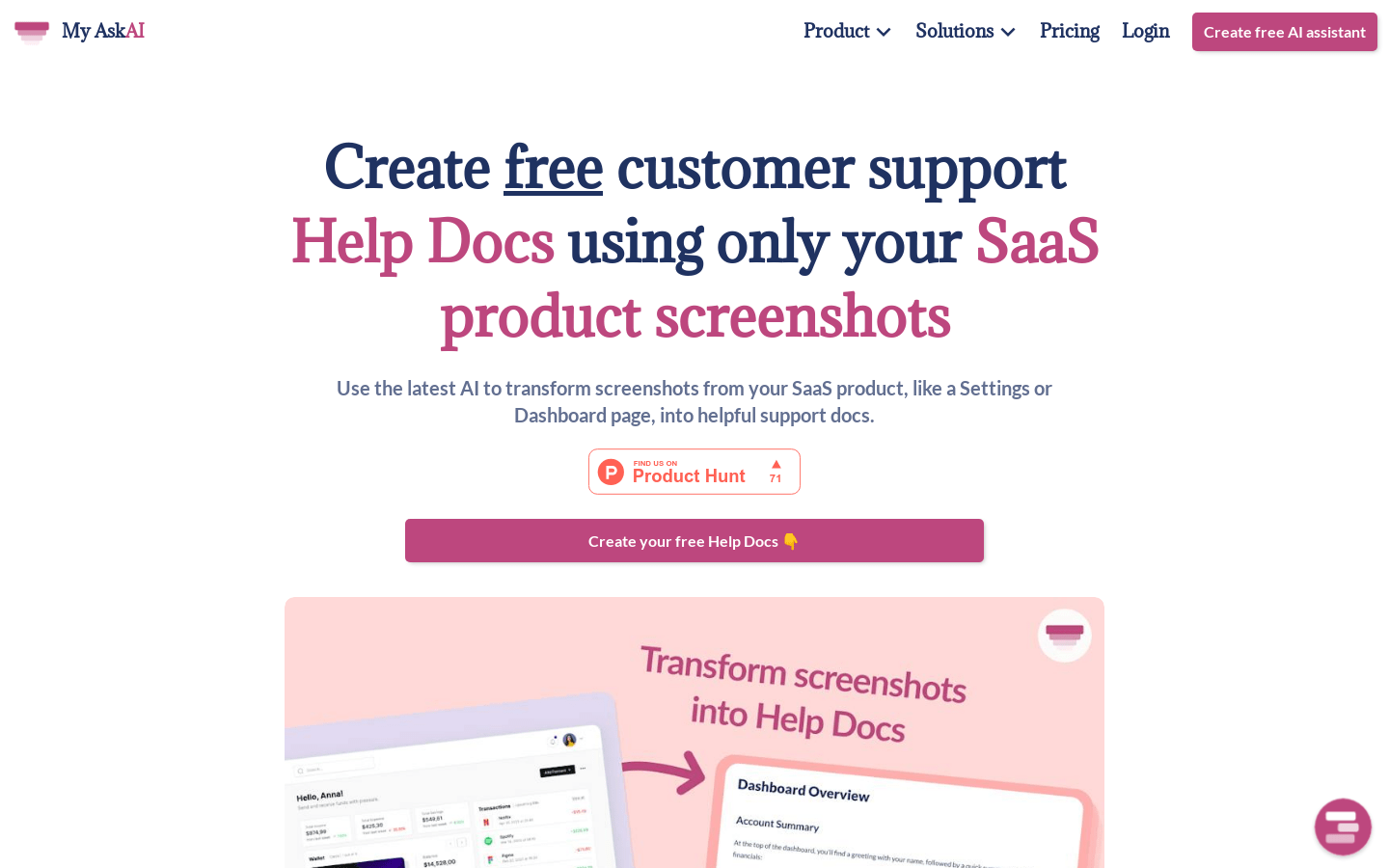
Screenshot archived from the listing page, for preview only.