ImageBlaster
Turn one scene image into an explorable 3D worldUpload an image, get a 3D world you can preview and download.
Highlights
What you can do with it
- Prototype a game level from a concept sketch or photo
- Expand a 2D painting into a 360-degree 3D space
- Pre-visualize camera positions and lighting on location
How to use it
- 1 Open the site and click Open studio
- 2 Upload a JPG, PNG, or WebP under 3MB
- 3 Optionally add orientation notes for the scene
- 4 Click Generate and wait a few minutes
- 5 Preview the result, then download SPZ and GLB files
Who it is for
Pros
- Very low barrier: one image is enough to start
- No account or API key required to generate
- Outputs open in common 3D tools and viewers
Limitations
- Only one free generation per browser per day during launch
- Shared capacity means generation can take several minutes
- Output quality depends on your input image and the model
What ImageBlaster is
ImageBlaster is a browser-based tool that turns a single scene image into an explorable 3D world. It runs on the World Labs Marble model, which converts a landscape, room, or illustration into a 3D Gaussian splatting environment. You upload a JPG, PNG, or WebP file under 3MB, and the tool returns a panoramic preview, a Gaussian splatting file in SPZ format, and a collision mesh in GLB format. The panoramic preview lets you look around the space before you commit to a download. You do not need a World Labs account, an API key, or a payment to generate, since the server handles the connection for you. It is built for game prototyping, environment concept expansion, and location planning, and it lowers the barrier to building 3D worlds from a still image.
What you can do with it
- Turn one scene image into a 3D world you can look around
- Preview the space in a panoramic view in the browser
- Download SPZ splatting files and GLB collision meshes
- Use the output in compatible 3D viewers or your own tools
Who it is for
- Game developers who want fast level prototypes from references
- Concept artists expanding 2D art into immersive 3D
- 3D artists, worldbuilders, and interior designers planning space
What to watch out for
During the launch period you get only one free generation per browser per day, and it is subject to shared capacity, network limits, and available quota. A job usually takes a few minutes, so it is not instant. Output quality depends on the input image and what the model can do, so a weak or unclear photo gives a weaker world. Keep the page open while it works, and if you refresh, reopen the site in the same browser within 7 days to restore your most recent job and download links. Avoid clearing your browser cookies, or you may lose access to a job in progress.
FAQ
Do I need an account?
No. You do not need a World Labs account, an API key, or a payment to generate.
What do I get from a generation?
A panoramic preview, a Gaussian splatting SPZ file, and a collision mesh in GLB format.
How much does it cost?
During launch you get one free generation per browser per day, subject to shared capacity and quota.
How long does it take?
Because capacity is shared, a generation usually takes a few minutes.
Why it is free
What the official page says: free trial
Free limits, trial length and features are decided by the official site and can change at any time.
Product preview
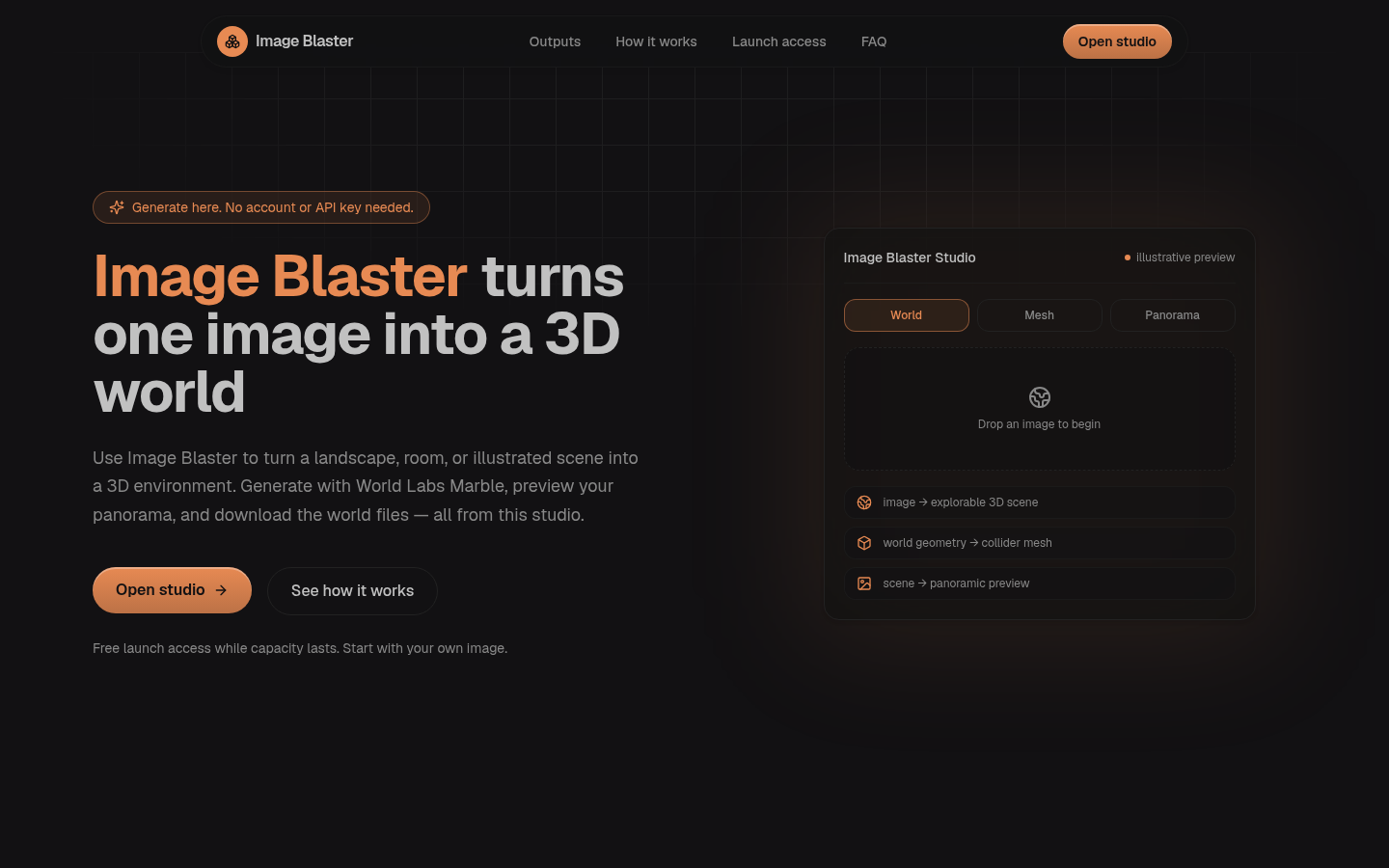
Screenshot archived from the listing page, for preview only.