KindlePPT
AI generator for slides, scripts, quizzes, essaysTurn a link or text into a PPT in a minute
Highlights
What you can do with it
- A teacher turns lesson notes into an interactive presentation
- A podcast producer drafts an episode script quickly
- A student builds an online quiz to check understanding
How to use it
- 1 Register or log in and collect two free credits
- 2 Paste an article URL or your own text
- 3 Choose the output type you need
- 4 Wait under a minute for the draft
- 5 Edit with the templates and export or share
Who it is for
Pros
- One input produces several content formats
- Free credits let you test before paying
- Templates and editing reduce design work
Limitations
- Free credits run out fast, so regular use costs money
- Generated drafts need fact checking and editing
- Quality depends on how much source text you supply
- Credit pricing and limits can change
What KindlePPT is
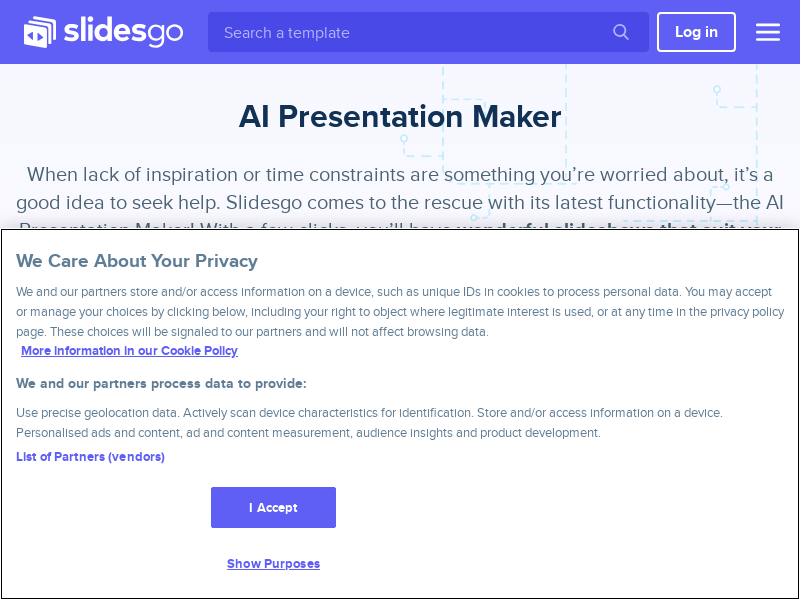
KindlePPT is an AI drafting tool aimed at people who need teaching and presentation material quickly. Instead of starting from a blank slide, you paste a blog URL or your own text and choose what you want back: a presentation, a script, a quiz, or an essay. The page says a polished draft arrives in under a minute and that registration gives two free credits. Free extras such as an exit planner, a course ticket creator, and a summarizer round out the offer for educators and trainers.
What you can do with it
- Turn an article link or pasted text into a designed deck
- Draft video or podcast scripts from a topic
- Build interactive quizzes for learners
- Produce structured essays, then edit with templates and export
Who it is for
- Teachers preparing course presentations on a deadline
- Podcast and video producers writing scripts
- Students creating quizzes and written work
- Business users who need a fast first draft deck
What to watch out for
Two free credits disappear quickly, so regular use means buying more, and pricing can change, so check the current rate before you plan a term of teaching. Generated content is a draft, not finished work: check facts, fix phrasing, and adjust examples before showing an audience, because confident slides can still be wrong. Output quality depends heavily on the source text you supply, so thin input gives thin results. Treat it as a time saver for first drafts rather than a replacement for your own judgment. For team use, agree on naming and editing conventions in advance to avoid version conflicts or duplicated work.
FAQ
What can KindlePPT generate?
Presentations, scripts, quizzes, and essays, plus free extras such as an exit planner, ticket creator, and summarizer.
Do I get anything free?
Registration gives two free credits, according to the site.
How fast is it?
The page claims a polished draft in less than sixty seconds from a link or pasted text.
Why it is free
What the official page says: 免费
Free limits, trial length and features are decided by the official site and can change at any time.
Product preview
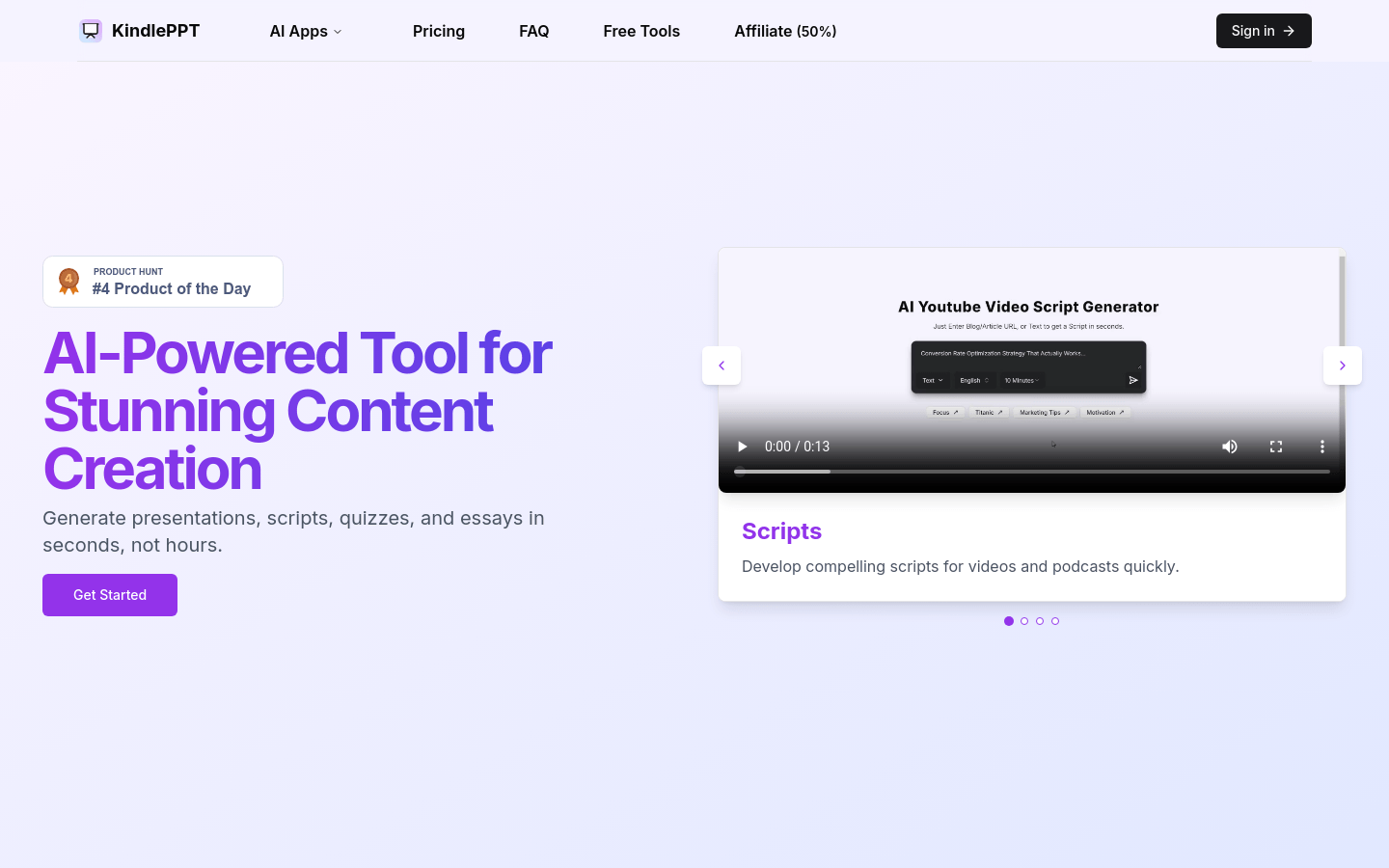
Screenshot archived from the listing page, for preview only.