Magic Notepad
AI notepad that structures meeting notesTake notes in the meeting, let AI structure them
Highlights
What you can do with it
- Keep notes during a call and get an organized summary afterwards
- Catch up on a meeting you missed through the generated report
- Track action items instead of re-reading a long transcript
How to use it
- 1 Register an account on the Magic Notepad website.
- 2 Install the Google Chrome extension.
- 3 Start a Google Meet or Zoom meeting and give Magic Notepad access.
- 4 Take notes during the meeting while it records and organizes.
- 5 Review the generated notes and action items afterwards.
- 6 Edit, add comments, and search past notes as needed.
Who it is for
Pros
- You only capture points; the structuring happens automatically
- Works inside Google Meet and Zoom, so no separate workflow
- Reports for missed meetings reduce the catch-up burden
- Data deletion is available from settings
Limitations
- Only a free trial is mentioned; ongoing pricing is not on the page
- A Chrome extension is required, which limits use on other browsers
- Generated notes still need checking against what was actually said
- Meeting text is sensitive, so review the privacy terms before relying on it
What Magic Notepad is
Magic Notepad is an AI notepad that turns what you jot down during a meeting into structured insights and actionable suggestions. You capture the points that matter while the conversation is happening, and the tool handles the organizing afterwards. The page describes automatic structuring, visually appealing output, context-aware notes for different meeting types, and a detailed report for meetings you missed. It works with Google Meet and Zoom through a Chrome extension, and notes can be reviewed quickly with extra context when you hover over a timestamp. Several languages are supported, including Estonian and Bulgarian, and data can be deleted at any time. A free trial is offered.
What you can do with it
- Capture meeting points and get them structured into insights and next steps.
- Take notes directly inside Google Meet or Zoom using the Chrome extension.
- Read a generated report for a meeting you could not attend.
- Hover over timestamps for extra context when reviewing a note.
- Search past notes and delete your data whenever you want.
Who it is for
- People in back-to-back calls who do not want to write them up afterwards.
- Managers tracking action items across many meetings.
- Anyone who needs a dependable catch-up report for a missed call.
What to watch out for
Only a free trial is mentioned, and the page does not say what the service costs afterwards or what the trial includes. A Chrome extension is required, so it will not help you in another browser or a native app. Structured notes still need a quick check against what was actually said, because the AI can mishear or merge two speakers. Meeting content is sensitive, so read the privacy terms before you connect it to calls you care about.
FAQ
Which meeting tools does it work with?
The steps describe Google Meet and Zoom, used through a Google Chrome extension.
What if I miss a meeting?
The page says it provides a detailed report for missed meetings.
Is it free?
A free trial is offered. The page does not describe what happens after the trial ends.
Can I delete my data?
Yes. The page says users can delete data at any time to ensure privacy.
Why it is free
What the official page says: free trial
Free limits, trial length and features are decided by the official site and can change at any time.
Product preview
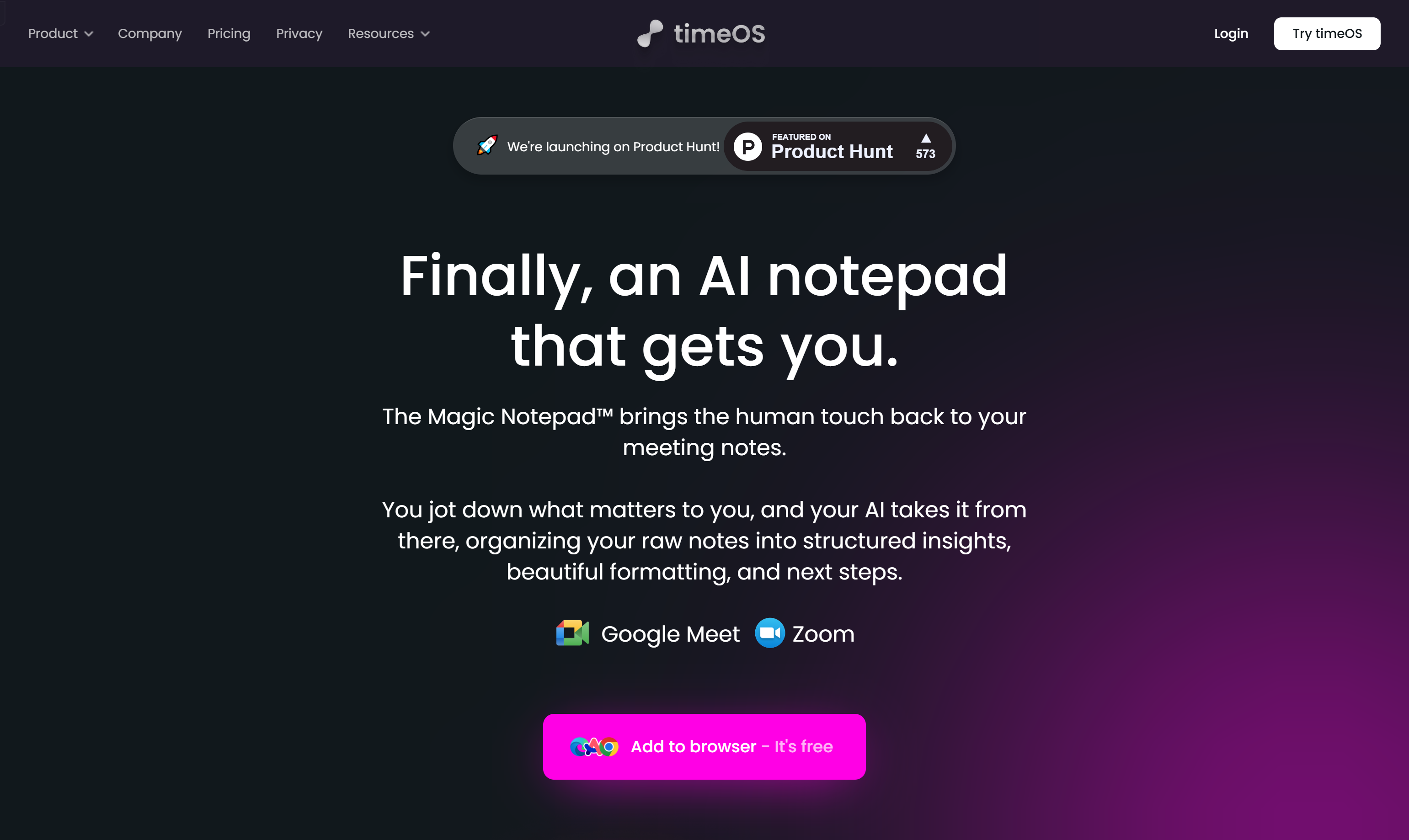
Screenshot archived from the listing page, for preview only.