nijivoice
AI voice generation with character voicesEmotionally rich voices from text, with a free plan
Highlights
What you can do with it
- VTubers generating voices for live streams
- Enterprises voicing product introduction videos
- Education platforms adding narration to teaching videos
How to use it
- 1 Register or log in on the nijivoice site.
- 2 Choose the voice character you want.
- 3 Enter the text you want converted to speech.
- 4 Adjust speed and other parameters, then generate and preview.
- 5 Download the file and provide credit as required.
Who it is for
Pros
- Free plan lets you test voices before paying
- Simple flow from text to finished audio
- API integration supports building into other apps
Limitations
- Free plan limits and paid tiers can change
- Credit attribution is required when you use the output
- Cloning or imitating a real person's voice without consent is a rights problem
- Emotional range varies by character and language
What nijivoice is
nijivoice is an AI voice generation platform built around character voices. You choose a voice, paste in text, adjust parameters such as speed, and generate an audio file that carries more emotional colour than a flat text-to-speech read. The listed scenarios span VTubers and virtual characters, corporate introduction videos, product promotion, and educational content, which tells you the design target is usable narration rather than a novelty toy. There is a free plan so you can audition voices before committing, plus paid tiers that scale with production volume, and an API for developers who want to build voice into their own application. Auditioning before you commit is the sensible way to use the free plan, because voices that work for one project may not suit another. One condition matters: using the generated voices requires credit attribution.
What you can do with it
- Generate emotionally rich voice audio from plain text
- Pick from multiple character voices for different tones
- Narrate corporate, promotional, or educational video
- Integrate generation into your own app through the API
- Preview and tune parameters before downloading
Who it is for
- VTubers and virtual character creators needing consistent voices
- Businesses producing introduction and promotional video
- Education teams adding narration to teaching material
What to watch out for
Credit attribution is a condition of use, so build it into your workflow rather than discovering it after you have published. Do not use the tool to imitate a real person's voice without permission, since that can breach personality rights and platform rules, and the consequences fall on you rather than the service. The free plan is a trial, and its limits and the paid tiers can change. Emotional range and quality also vary by character and by language, so audition before you commit a whole project to one voice, and check that the voice holds up over a long script rather than a single sentence.
FAQ
Is there a free plan?
Yes, a free plan is offered alongside paid tiers. The exact limits can change, so check the site.
What is it typically used for?
VTuber streaming, virtual characters, corporate introduction videos, product promotion, and educational content are the listed scenarios.
Do I have to credit the service?
Yes. The product requires credit attribution when you use generated voices, which is the stated condition for the output.
Can I clone someone's voice?
Do not imitate a real person's voice without their permission. That can breach personality and likeness rights and may break platform rules, and responsibility sits with you.
Why it is free
What the official page says: free plan
Free limits, trial length and features are decided by the official site and can change at any time.
Product preview
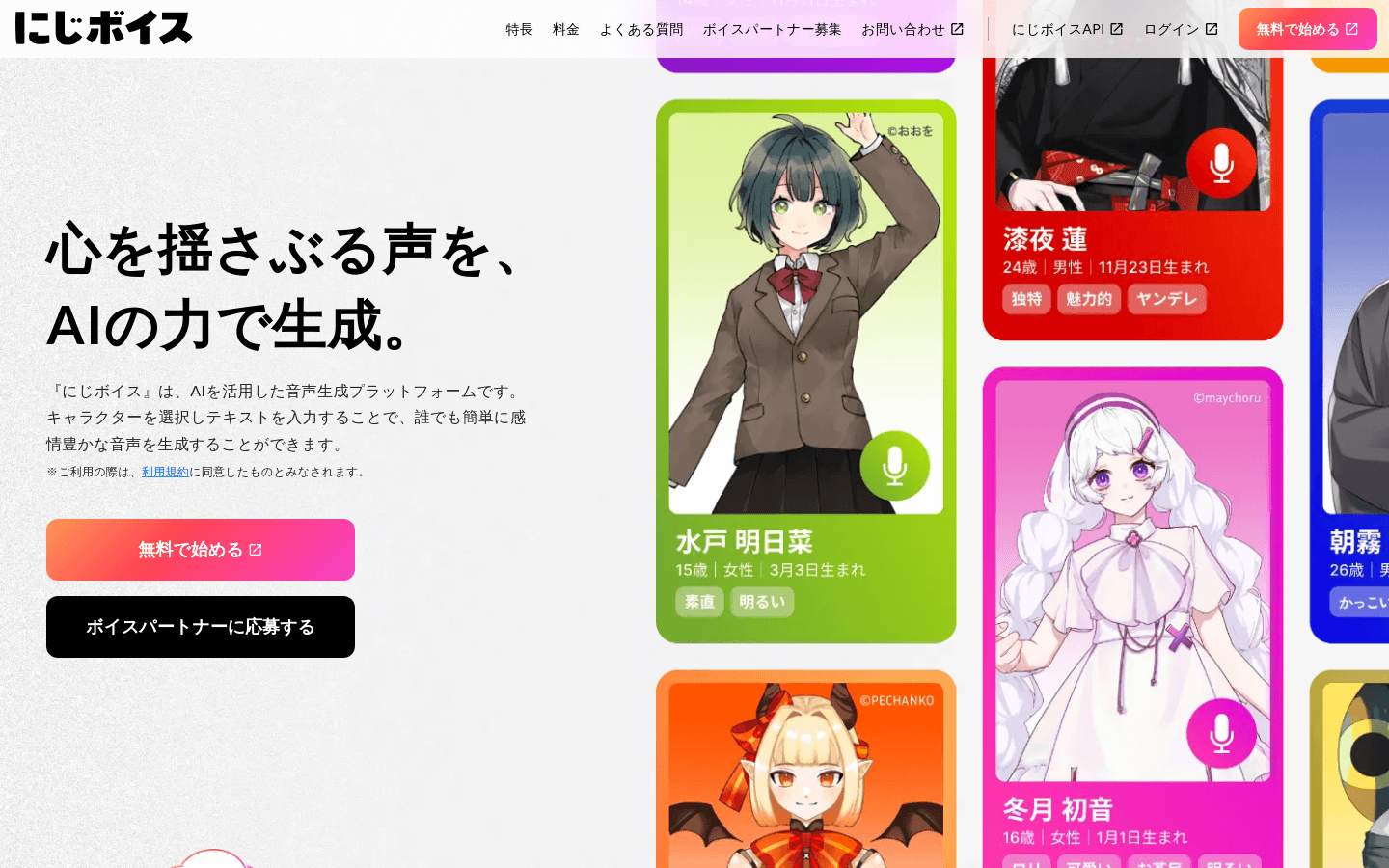
Screenshot archived from the listing page, for preview only.