Photo Color Correction
Free browser tool for automatic photo color repairUpload a photo, get balanced color in seconds
Highlights
What you can do with it
- Rescue dark or washed-out phone photos before sharing them
- Even out tones in portrait snapshots for a cleaner look
- Tidy product images for a small online listing
How to use it
- 1 Open the color correction page in your browser.
- 2 Upload the photo you want to fix.
- 3 Let the tool run its automatic color pass.
- 4 Adjust the correction level if the result needs a nudge.
- 5 Download the corrected photo.
Who it is for
Pros
- No cost and no install, it runs in the browser
- Handles exposure, contrast, and color in one pass
- Results come back in seconds
Limitations
- Free access rules are set by the host site and can change
- Covers color and exposure only, not full retouching
- Depends on the upstream site staying online
What Photo Color Correction is
Photo Color Correction is a free browser tool hosted at aipassportphotos.com. You upload a photo and an automatic pass balances the colors, corrects exposure problems, and raises overall contrast. There is nothing to install and no account to create, so the whole job happens on one upload page. The host site presents the service as free, and the page answered normally when it was last checked.
Because the processing is automatic, you do not set curves or sliders one by one. The tool decides how far to shift the image and returns a balanced file in seconds, which is the entire point of it. It is built for people who want one cleaned-up picture quickly rather than a full editing suite with layers and masks.
What you can do with it
- Balance an uneven color cast across the whole frame in one pass.
- Repair underexposed and overexposed photos that came out too dark or too bright.
- Raise overall contrast so the subject separates from the background.
- Apply custom color correction when the automatic result is close but not exact.
Who it is for
It suits phone photographers, small sellers preparing listing images, and casual users who do not want to learn layer-based editing. Students and social media posters who need a single tidy image will find it enough. Professional retouchers will want more control than one automatic pass gives them, so they should treat this as a first step rather than a finished file.
What to watch out for
The tool touches color, exposure, and contrast only. It does not remove objects, swap backgrounds, or handle detailed skin and hair work. Output quality depends heavily on the original file, so soft, small, or heavily compressed images will stay limited.
The free access is set by the host site and can change without notice, and the service relies on the upstream site remaining online. Keep a copy of the original so you can run the correction again later with different settings, and check the resolution of the downloaded file before you commit to printing it.
FAQ
Is Photo Color Correction really free?
The host site presents it as a free service. There is no mention of a paid tier on the page, but free terms can change.
Do I need to create an account?
No. You upload a photo on the page and the correction runs without a sign-up step.
Can it fix a very blurry photo?
No. It adjusts color, exposure, and contrast. Blur caused by camera shake or focus errors stays in the file.
What image types work best?
Sharp, reasonably sized photos give the best result. Small or heavily compressed files will stay limited after processing.
Why it is free
What the official page says: 免费
Free limits, trial length and features are decided by the official site and can change at any time.
Product preview
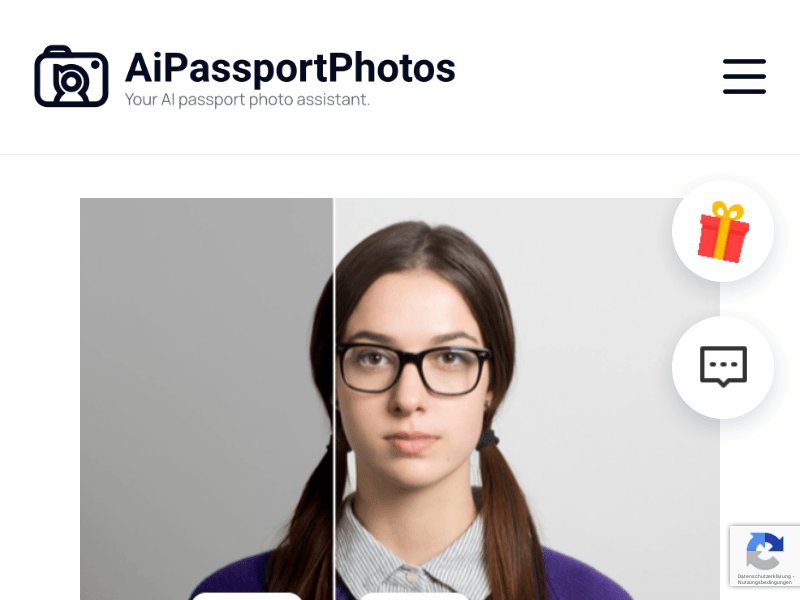
Screenshot archived from the listing page, for preview only.