Talki
AI-native help desk that auto-resolves routine tickets for B2B teams.Let AI answer the routine, keep humans for the complex.
Highlights
What you can do with it
- B2B software companies cutting routine ticket volume and response time
- Game companies supporting players through Telegram
- Fintech teams giving agents direct customer context in tickets
How to use it
- 1 Connect channels: chat widget, forwarded emails, or a Telegram bot
- 2 Let the AI scan your website and documents to build its knowledge base
- 3 Let AI resolve routine tickets while complex issues route to the inbox
- 4 Assign tasks and use macros on tickets needing humans
Who it is for
Pros
- A free plan exists for solo developers
- Translation removes language barriers without extra tools
- Customer context appears inside tickets, cutting back-and-forth
Limitations
- AI answers depend entirely on knowledge base quality
- Seat-based paid plans add cost as the team grows
- Automated replies need monitoring to avoid confident but wrong responses
What Talki is
Talki is an AI-native help desk built for B2B teams drowning in routine customer questions. The setup model is deliberately hands-off: Talki scans your website and documents automatically to build a knowledge base, and its AI immediately starts answering questions from it. Routine tickets get resolved by the AI directly, while complex issues are forwarded into a shared inbox where your team works them with task assignment and role permissions. Customer inquiries from web chat, email, and Telegram all land in that one inbox, so nobody juggles tabs. DeepL-powered real-time translation works in both directions, meaning your team replies in one language and customers read their own. Backend Connect pulls subscription plans, monthly recurring revenue, and custom fields from your database into each ticket, and one-click macros combine actions such as refunding, tagging, and closing into a single slash command. Pricing includes a free Bootstrapper plan for solo developers, with Growth at 9 euros per seat monthly and Pro Max at 19 euros, both offering a 7-day free trial.
What you can do with it
- Automatically resolve routine tickets using an AI knowledge base built from your own site and docs
- Centralize web chat, email, and Telegram conversations in one shared inbox
- Reply to customers in any language with real-time two-way translation
- See subscription, MRR, and custom customer data inside each ticket
Who it is for
- B2B enterprise teams facing high inquiry volumes and complexity
- Game companies handling large flows of player questions
- Fintech companies where support speed and accuracy carry high stakes
- Solo developers starting out on the free Bootstrapper plan
What to watch out for
Talki's AI is only as good as the knowledge base underneath it. If your documentation is thin, outdated, or contradictory, automated answers will inherit those flaws, so invest in your docs before judging the tool. Automated replies also need periodic monitoring: a confident but wrong AI answer can frustrate customers more than a slow human one, so review resolutions, especially in the early weeks. Paid plans bill per seat, and costs grow with the team, so model that before upgrading. Channel and feature details, plus trial terms, can change as the product matures. Finally, fintech and similar users should verify that showing customer financial data inside tickets meets their own compliance requirements before enabling Backend Connect.
FAQ
Is there a free plan?
Yes. The Bootstrapper plan is free for solo developers. Growth costs 9 euros per seat monthly and Pro Max 19 euros, both with a 7-day free trial.
How does the AI learn to answer?
Talki scans your website and documents to build a knowledge base, then answers from it and forwards what it cannot resolve.
Which channels does it support?
Web chat, email, and Telegram, all integrated into a single shared inbox.
Why it is free
What the official page says: free trial
Free limits, trial length and features are decided by the official site and can change at any time.
Product preview
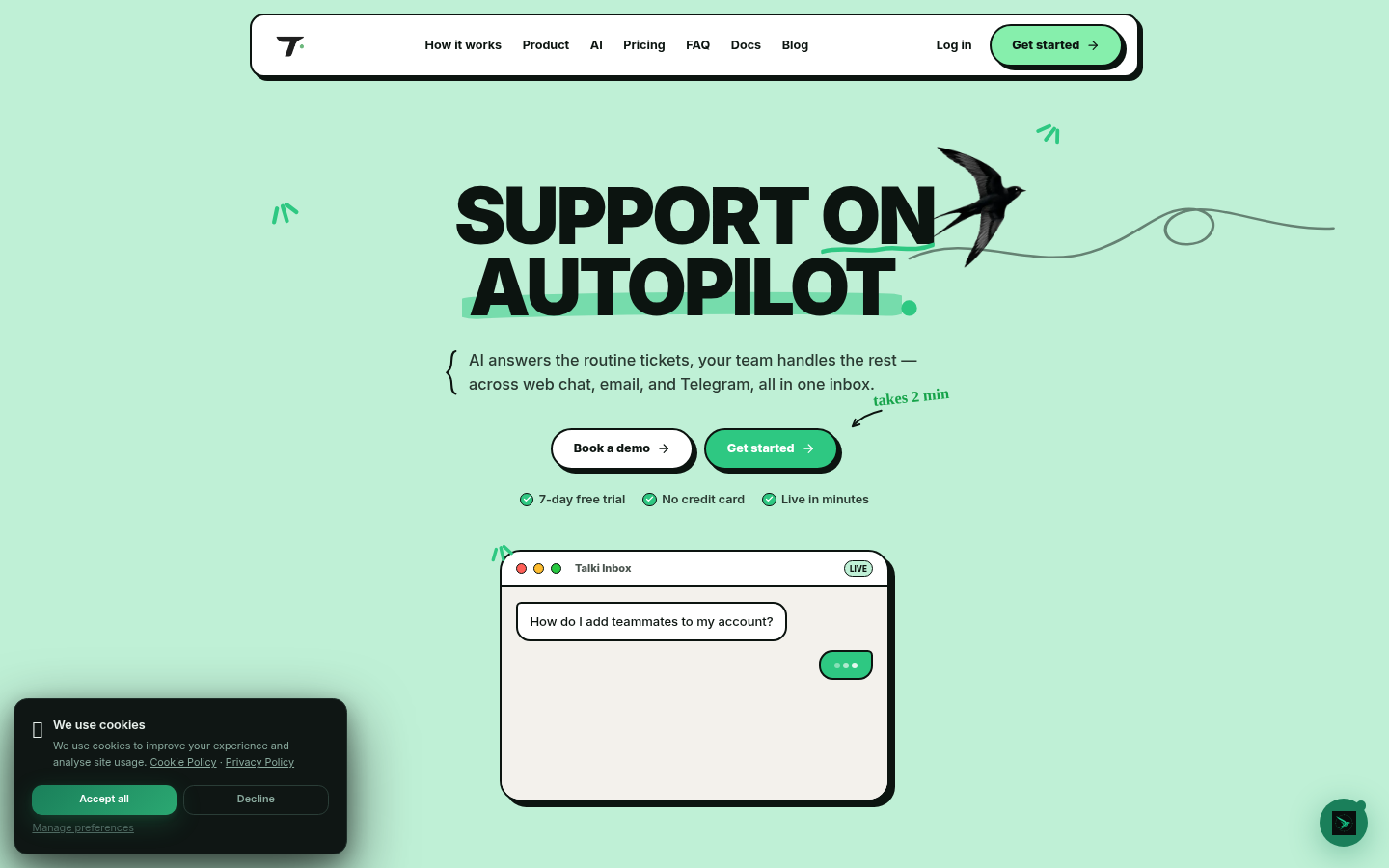
Screenshot archived from the listing page, for preview only.