UI Auditor AI Tool | Feedspace
Free AI UI audit tool for websitesAutomated UI audits with design tips
Highlights
What you can do with it
- Checking an existing site for interface problems
- Getting a second opinion before a redesign
- Prioritizing UI fixes with a structured audit
How to use it
- 1 Open the UI Auditor tool on the Feedspace site
- 2 Submit the page or interface you want reviewed
- 3 Read the automated audit results
- 4 Apply the design and performance suggestions
Who it is for
Pros
- Free to use for a first audit
- Automated checks are faster than a manual pass
- Suggestions cover design and performance together
Limitations
- An audit is only a starting point, not a full UX study
- Free access and features can change over time
- Automated suggestions may not fit your specific users
What UI Auditor AI Tool is
The UI Auditor AI tool, part of Feedspace, is a free tool for auditing and optimizing the user interface of a website. Instead of walking through pages by hand, you submit the interface you care about and the tool runs an automated audit. The output is organized around design optimization suggestions and performance optimization, with the stated goal of improving user satisfaction. It is built for people who want a quick, structured read on where an interface stands before they invest in changes. The official site holds the current details on features and pricing, since the description points there for more information.
What you can do with it
- Run an automated audit of a website interface
- Get design optimization suggestions for weak spots
- Check performance-related issues that affect experience
- Build a prioritized list of UI fixes
Who it is for
- Designers and developers maintaining a live site
- Business owners reviewing their own pages
- Teams planning a redesign and needing a baseline
What to watch out for
An automated audit is a starting point, not a substitute for real user research. It can flag structural and performance issues, but it cannot tell you whether your specific visitors understand your layout or complete your key tasks. Because it is a free tool, availability and feature scope can change, and the results are only as useful as the follow-up work you do on them. Treat the suggestions as hypotheses: test the important ones, especially anything that touches navigation, forms, or mobile behavior, before you roll changes out to everyone. Run one full task end to end first, then expand once you are comfortable with the workflow and the result quality.
FAQ
Is the UI Auditor tool free?
Yes. It is described as a free UI auditor tool, with pricing and feature details available on the official site.
What does it check?
Automated UI audits, design optimization suggestions, performance optimization, and user satisfaction improvements.
Who is it for?
Anyone maintaining a website interface, from designers and developers to business owners planning a refresh.
Why it is free
What the official page says: 免费
Free limits, trial length and features are decided by the official site and can change at any time.
Product preview
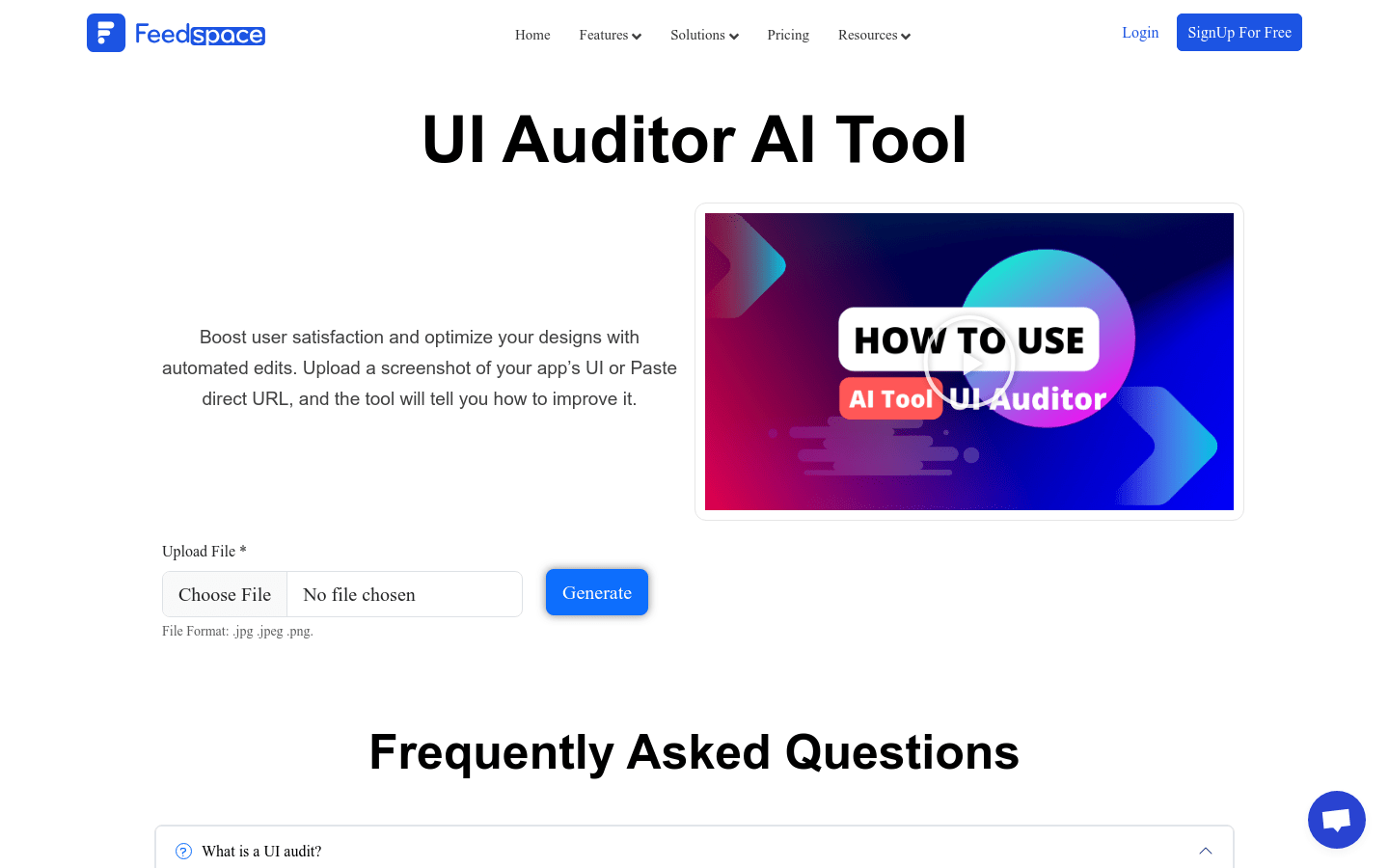
Screenshot archived from the listing page, for preview only.