VideoSwap
Swap a custom subject into an existing videoReplace video subjects while keeping the background
Highlights
What you can do with it
- Film teams replace a performer for a better shot
- Advertisers insert a product into existing footage
- Creators replace their own image for fun content
How to use it
- 1 Start the free trial on the VideoSwap site.
- 2 Upload the video you want to edit.
- 3 Set semantic points on the subject to swap.
- 4 Adjust shape and trajectory with interactive dragging.
- 5 Render the result and download the edited video.
Who it is for
Pros
- Swaps subjects while preserving the background
- Semantic point alignment handles different shapes
- Interactive control for precise placement
- Free trial to test before paying
Limitations
- Free trial is limited and full use needs a paid plan
- Swapping people raises consent and misuse concerns
- Results vary with footage and need review
- Depends on the vendor platform staying available
What VideoSwap is
VideoSwap is a video editing tool that lets you swap a customized subject into an existing video while preserving the background. It uses semantic point trajectory alignment and shape modification, and you can set semantic points and drag them for precise control, which helps even when the new subject has a different shape. It suits film production, advertising, and personal video creation, and it offers a free trial and paid plans. Because it changes who or what appears in footage, it can be misused to misrepresent people, so use it only with material you have the right to edit.
What you can do with it
- Swap a custom subject into a video and keep the background.
- Align the subject with semantic point trajectories.
- Modify shape to fit different subjects.
- Use interactive dragging for precise placement.
Who it is for
- Film and video production teams replacing performers.
- Advertisers placing products into existing footage.
- Creators making personal video edits.
- Editors exploring controlled subject replacement.
What to watch out for
The free trial is limited, and full use needs a paid plan, and pricing can change over time. Swapping people raises serious consent and misuse concerns, and creating misleading or non-consensual videos may violate platform rules or the law, with consequences falling on you, so only use footage and subjects you have the right to edit. Results vary with the source video and need review. As a hosted service, availability can vary, so export important work and confirm current terms on the official site. Free tiers and usage limits can change, so check the current rules on the official page before relying on it long term.
FAQ
What is VideoSwap?
It is a video editing tool that swaps a customized subject into an existing video while keeping the background.
Is there a free trial?
Yes. It offers a free trial and paid plans.
How precise is it?
You can set semantic points and drag them, and shape modification helps align different subjects.
What is it used for?
It is used in film production, advertising, and personal video creation.
Why it is free
What the official page says: free trial
Free limits, trial length and features are decided by the official site and can change at any time.
Product preview
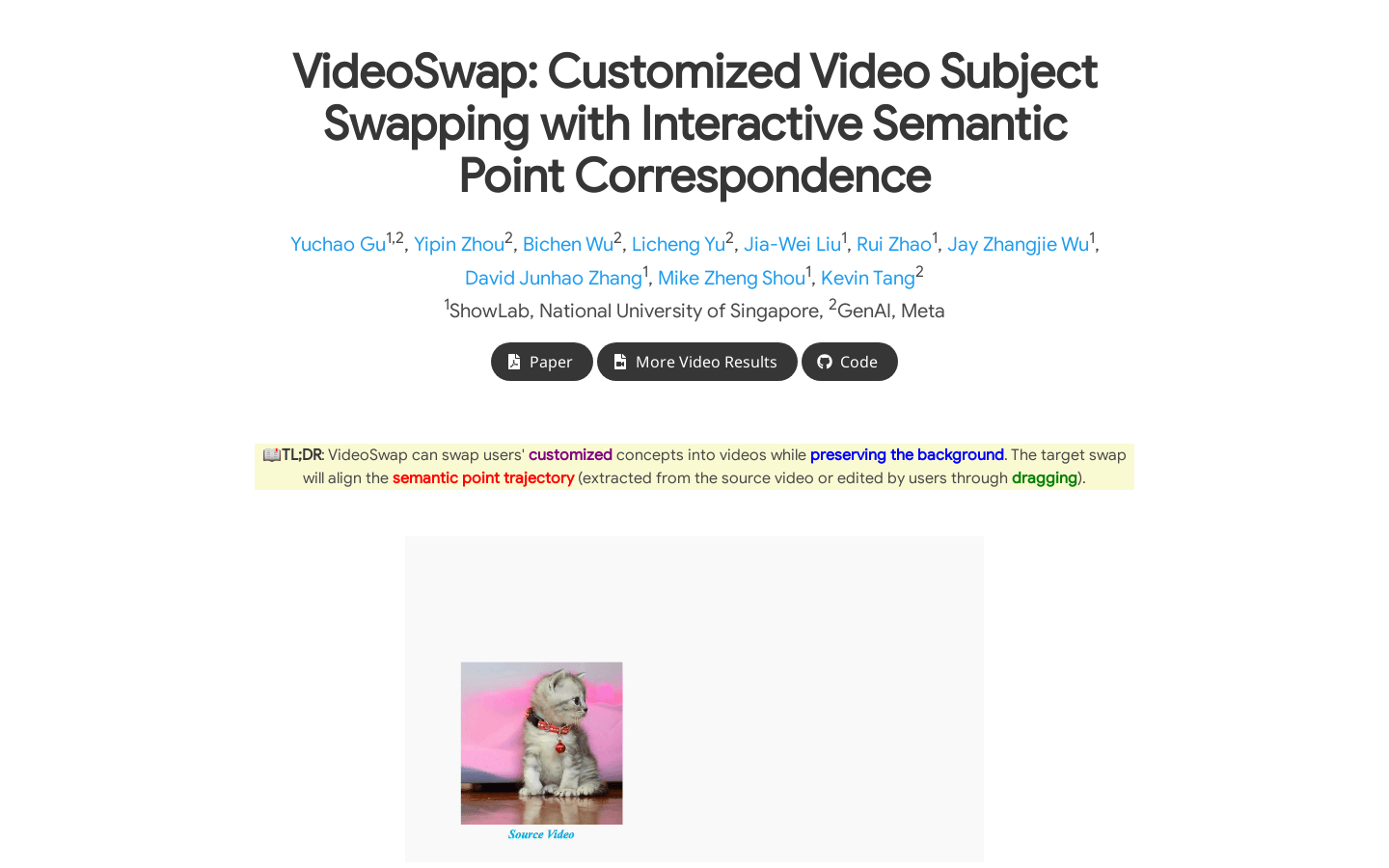
Screenshot archived from the listing page, for preview only.