Immersive Translate
Free bilingual web and document translatorRead any page or PDF in two languages
Highlights
What you can do with it
- Reading a foreign website with the original beside it
- Translating a PDF or EPUB for study
- Watching with translated subtitle files
How to use it
- 1 Install the Immersive Translate extension
- 2 Open a page, PDF, or document
- 3 Choose the target language
- 4 Pick your preferred translation engine
- 5 Read the bilingual output and switch modes if needed
Who it is for
Pros
- Bilingual output keeps the original visible
- Works across pages, PDFs, ebooks, and subtitles
- Several translation engines available
- Free core translation service
Limitations
- Free terms and engine limits can change
- Some engines need their own accounts or keys
- PDF and ebook formatting can shift after translation
- Accuracy varies by engine and text difficulty
What Immersive Translate is
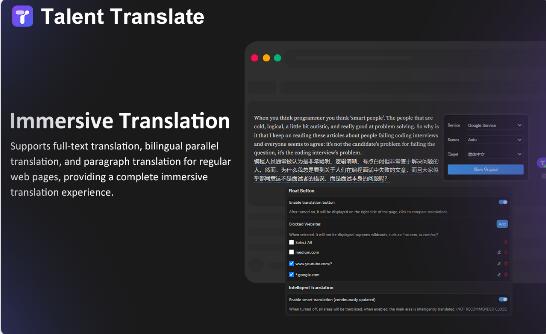
Immersive Translate provides free bilingual web translation along with translation for documents, literary works, PDFs, EPUB ebooks, subtitle files, and plain text. Language coverage is wide, including Chinese, English, Japanese, Korean, French, German, Russian, Spanish, Portuguese, Vietnamese, Indonesian, Italian, Dutch, and Thai. You can choose between several translation engines, among them DeepL, Google, OpenAI, Youdao, Caiyu Xiaoyuan, Baidu, Volcano, and Xiaoniu, which matters because different engines handle different text types differently. The bilingual approach is the whole design: the original stays on screen, so you can check the translation and pick up language at the same time.
What you can do with it
- Translate a web page with the original beside it
- Translate PDFs, ebooks, and subtitle files
- Switch between translation engines for the same content
- Read in two languages for study or verification
Who it is for
- People who read foreign-language sites regularly
- Students working through PDFs and ebooks
- Language learners who want the source text visible
What to watch out for
Free translation is the stated offer, but some engines behind it require their own accounts, keys, or quotas, so the free part is the wrapper rather than every engine. Accuracy varies by engine and by text difficulty, and literary or technical passages still reward a check against the original. PDF and ebook translation can disturb layout, and complex formatting may not survive. The extension also reads the pages you visit in order to translate them, which is worth understanding if you work with sensitive material. Features and interface details may change between versions, so review the latest notes on the page before you start.
FAQ
Is Immersive Translate free?
The listing describes free bilingual web and document translation, though engine limits can change.
What formats does it handle?
Web pages, documents, literary works, PDFs, EPUB ebooks, subtitle files, and TXT text.
Which engines can I use?
DeepL, Google, OpenAI, Youdao, Caiyu Xiaoyuan, Baidu, Volcano, and Xiaoniu are listed.
Can I keep the original text?
Yes, bilingual translation is the core feature, so the original stays visible.
Why it is free
What the official page says: 免费
Free limits, trial length and features are decided by the official site and can change at any time.
Product preview
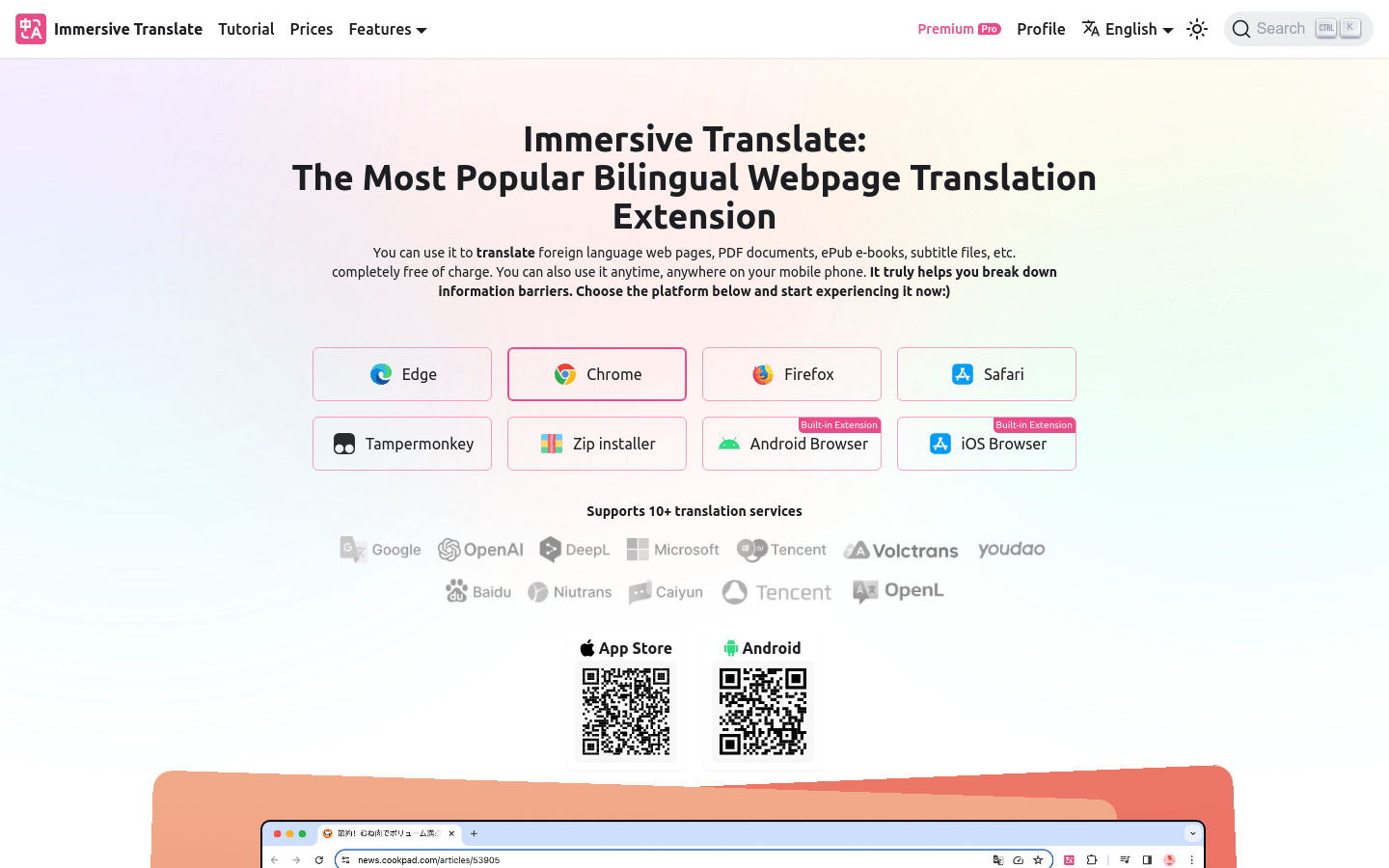
Screenshot archived from the listing page, for preview only.