Stack Overflow for Teams
A private knowledge and Q&A platform for engineering teams.Keep institutional knowledge searchable, inside Slack, Teams, and your tools.
Highlights
What you can do with it
- Capturing answers that would otherwise vanish in chat
- Onboarding engineers with a searchable internal knowledge base
- Tracking whether documentation is actually being read
How to use it
- 1 Create a team space and choose a tier
- 2 Set up single sign-on and invite members
- 3 Connect Slack, Microsoft Teams, Jira, GitHub, or Okta
- 4 Start capturing questions, answers, and long-form articles
- 5 Review adoption analytics and adjust
Who it is for
Pros
- A familiar Q&A format engineers already understand
- Integrations put answers where work happens
- A free tier exists alongside paid options
Limitations
- It only works if people actually use it, which needs ongoing encouragement
- Higher tiers cost money, and feature limits differ by plan
- A private instance still needs moderation and upkeep
What Stack Overflow for Teams is
Stack Overflow for Teams is a private collaboration and knowledge sharing platform for organisations. The core idea is a structured, searchable knowledge base: answers that would otherwise sit in a chat thread or in one engineer's head become findable by everyone on the team. The platform integrates with Slack and Microsoft Teams, supports single sign-on, and connects to Jira, GitHub, and Okta, with API access plus enterprise-grade support and SLAs on the higher tiers. Longer material lives in articles and collections rather than in a single answer, and usage and adoption analytics show whether the knowledge base is genuinely being read. It is aimed at development and operations engineers, data scientists, software engineers, technical support teams, and engineering managers, with versions ranging from free to custom pricing.
What you can do with it
- Build a private, searchable knowledge base for your team
- Capture questions and answers in a format engineers already know
- Write longer material as articles and collections
- Connect Slack, Teams, Jira, GitHub, and Okta, and use the API
Who it is for
- Engineering teams that keep answering the same questions
- Technical support teams handling repeated issues
- Engineering managers protecting institutional knowledge
What to watch out for
A knowledge base only pays off if people use it, and adoption needs active encouragement rather than a launch announcement. Feature limits differ by tier, so the free version may not include the SSO, analytics, or SLA coverage a larger organisation needs. Someone still has to moderate, tidy duplicates, and archive stale content, which is an ongoing cost the software does not remove. Migrating an existing wiki into the new structure takes more effort than the initial signup suggests. Check the current plan comparison before assuming a specific feature is included.
FAQ
What is it for?
It provides a private collaboration and knowledge sharing space for teams.
Does it integrate with our tools?
Yes. Slack, Microsoft Teams, Jira, GitHub, and Okta are listed, along with API access.
Is there a free version?
The site describes multiple versions with prices ranging from free to custom.
Who uses it?
Development and operations engineers, data scientists, software engineers, technical support teams, and engineering managers.
Why it is free
What the official page says: 免费
Free limits, trial length and features are decided by the official site and can change at any time.
Product preview
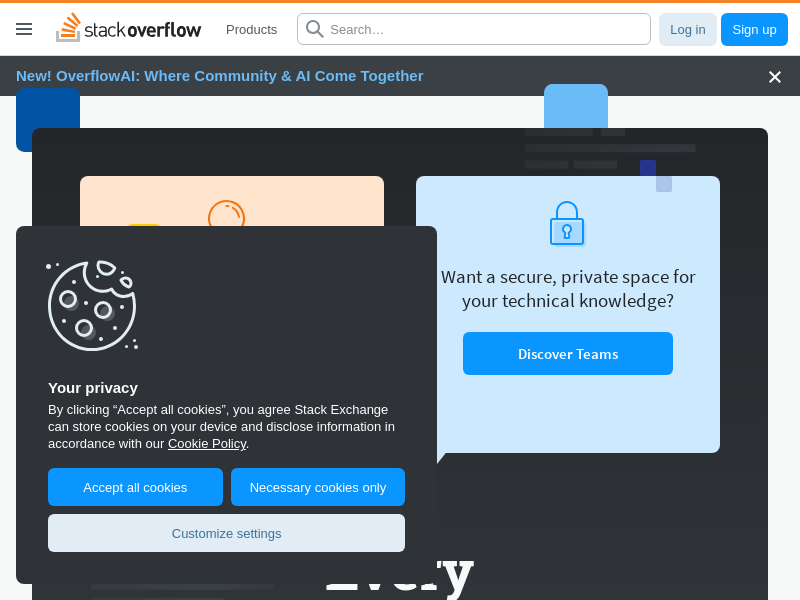
Screenshot archived from the listing page, for preview only.