V0
Generative UI code builderDescribe an interface, get code
Highlights
What you can do with it
- Prototyping a website interface quickly
- Turning a design mockup into working front-end code
- Exploring UI ideas without writing boilerplate by hand
How to use it
- 1 Describe the interface you want to build.
- 2 Let the tool generate code using its supported stack.
- 3 Adjust the design system or theme if you need a different look.
- 4 Use image-to-code conversion when you have a visual reference.
- 5 Copy or export the generated code into your project.
Who it is for
Pros
- Removes a lot of repetitive front-end boilerplate
- Uses a mainstream open-source stack rather than a proprietary one
- A free plan lets you evaluate the workflow first
Limitations
- Generated code still needs review and cleanup before production
- It is tied to Vercel's own stack, plans, and generation limits
- Paid generation allowances and pricing can change over time
What V0 is
V0, introduced by Vercel as Generative UI, is a tool that writes front-end code from a description of the interface you want. Rather than starting from an empty file, you describe the screen, the layout, and the components you have in mind, and the tool produces code using an open-source stack that includes React, Tailwind CSS, and Shadcn UI. It also supports customized design systems and themes, so the output can match an existing brand rather than a generic look, and it can take an image and turn it into code when a visual reference is easier to work from than words. Free and paid plans are available, and paid plans let you purchase additional generation runs when the included amount runs out.
What you can do with it
- Describe an interface and receive working front-end code for it
- Generate code that follows your own design system or theme
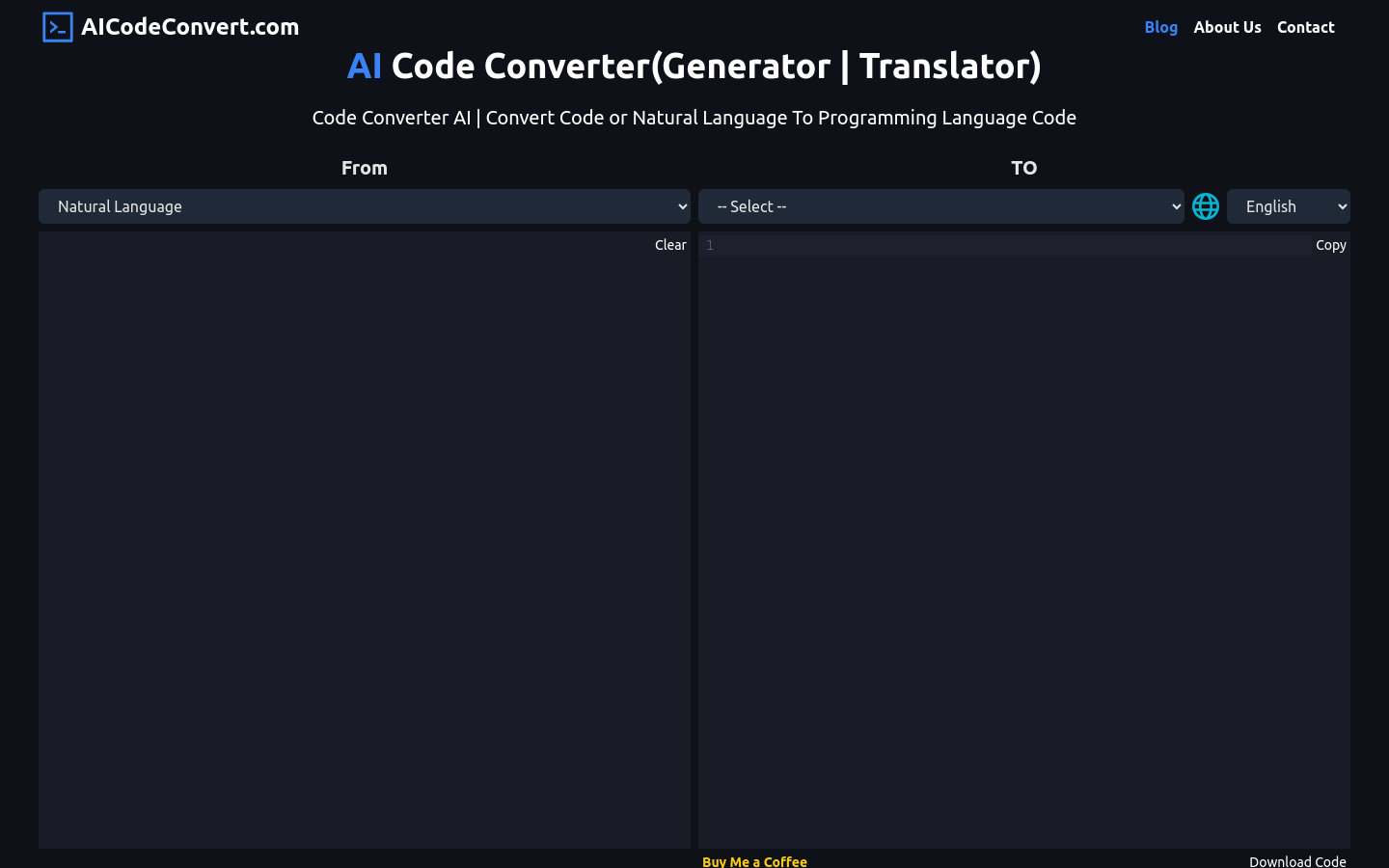
- Convert an image into code when you already have a visual reference
- Prototype several versions of a screen before committing to one
- Take the generated code into your own project and keep building
Who it is for
- Front-end developers who want to skip repetitive setup work
- Designers who need a clickable prototype without writing components
- Product teams that explore many UI variations in a short time
- Anyone learning a stack who wants a worked example to read through
What to watch out for
The code it returns is a starting point, not a finished codebase. You should still read through it, check accessibility, handle real data and state, and test it inside your own application before it ships. Because the tool is part of Vercel's ecosystem, the supported stack, generation limits, and paid allowances follow that platform's rules and can change without notice. It also works best when your description is specific about layout and behaviour, so very loose prompts tend to need more editing afterwards. Finally, generated code should be reviewed for licensing and security just like any other code you add to a project.
FAQ
What does V0 generate?
It generates front-end code for the interface you describe, using tools such as React, Tailwind CSS, and Shadcn UI.
Can I convert an image into code?
Yes, image-to-code conversion is listed among the supported features.
Is there a free option?
Free and paid plans are offered, and paid users can buy more generation runs.
Why it is free
What the official page says: 免费
Free limits, trial length and features are decided by the official site and can change at any time.
Product preview
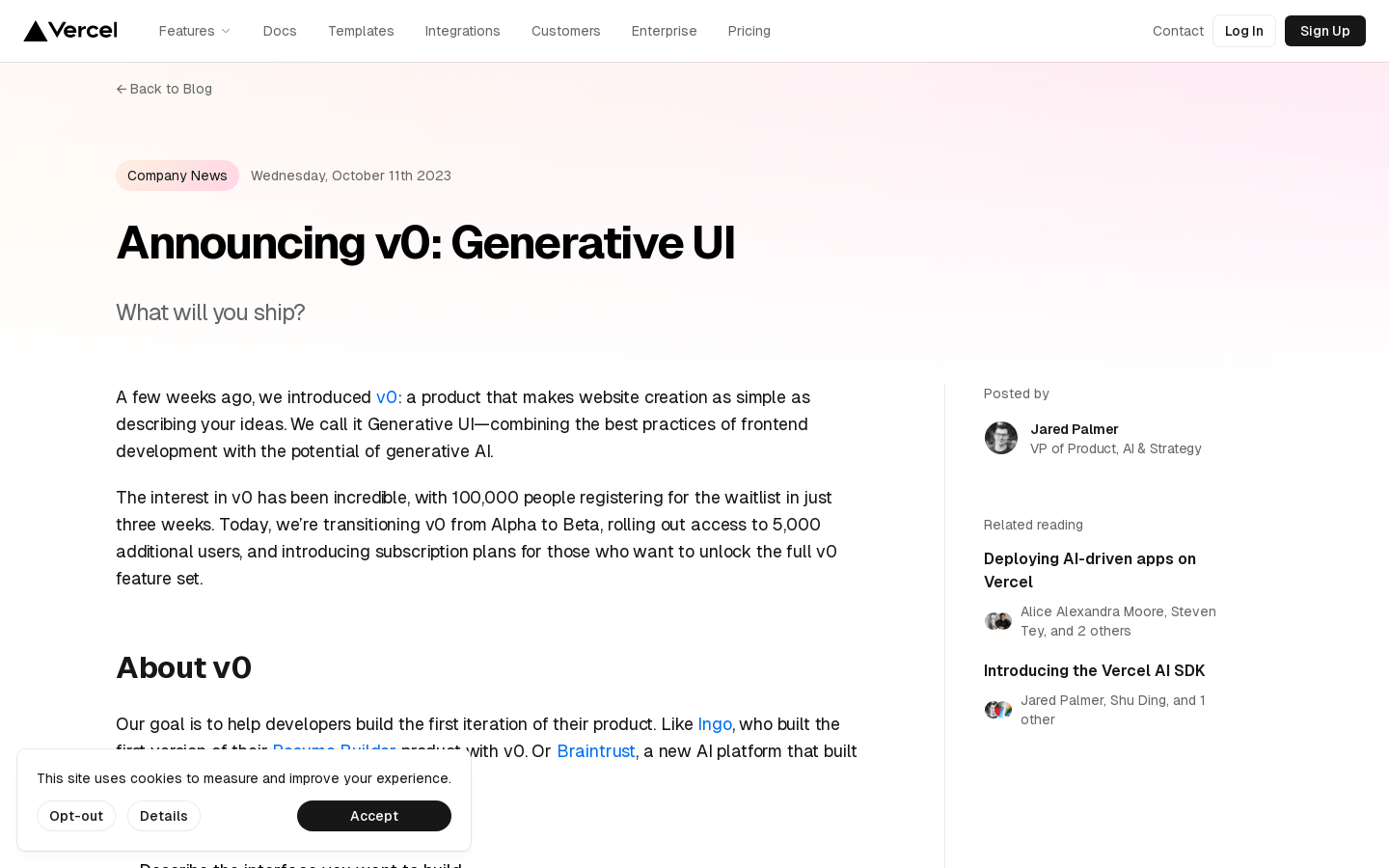
Screenshot archived from the listing page, for preview only.